Feature overview
Every feature, built to drip
The best auto typer for Google Docs: human-like pacing, word-by-word typing when you need stricter playback, believable typos, revision-style edits, and background execution.
When paste does not look human
- Copy-pasting AI text looks like a single burst, not a real writing process.
- Version history looks unnatural when everything appears at once.
- There is no pacing, no pauses, and no paragraph rhythm.
- Long drafts are hard to spread across a believable timeline by hand.
- There is no believable typo and correction rhythm in a plain paste.
- If the tab has to stay open, the workflow becomes tedious and fragile.
Everything you need in an auto typer
Auto typer for Google Docs
Turn a finished draft into a paced edit stream instead of one giant paste.
Word-by-word typing
Use smaller chunks when you want stricter playback realism.
Typos, fixes & revisions
Schedule believable typo inserts, inline corrections, and end-of-session cleanup passes.
Natural version history
Spread edits over time so the document grows like a real writing session.
Flexible duration control
Run a drip in 30 minutes, a few hours, a full day, or up to a week on Pro.
Pause & resume
Jobs need recoverable state so users can stop and resume without losing pacing context.
Background auto typing
Close the tab, switch tasks, or shut the laptop while the drip continues server-side.
Your draft stays your draft
The product does not rewrite or generate content; it only changes how your existing text lands in Docs.
Secure Google Docs integration
Connect your Google account, pick the target document, and keep the write scope intentionally narrow.
Three simple steps to start dripping
Paste your draft
Start with text you already wrote elsewhere.
Pick a total duration
Choose how long the drip should take from first edit to final pass.
Watch it drip into Docs
The job keeps updating your chosen Google Doc over time.
Keep dripping while you're away
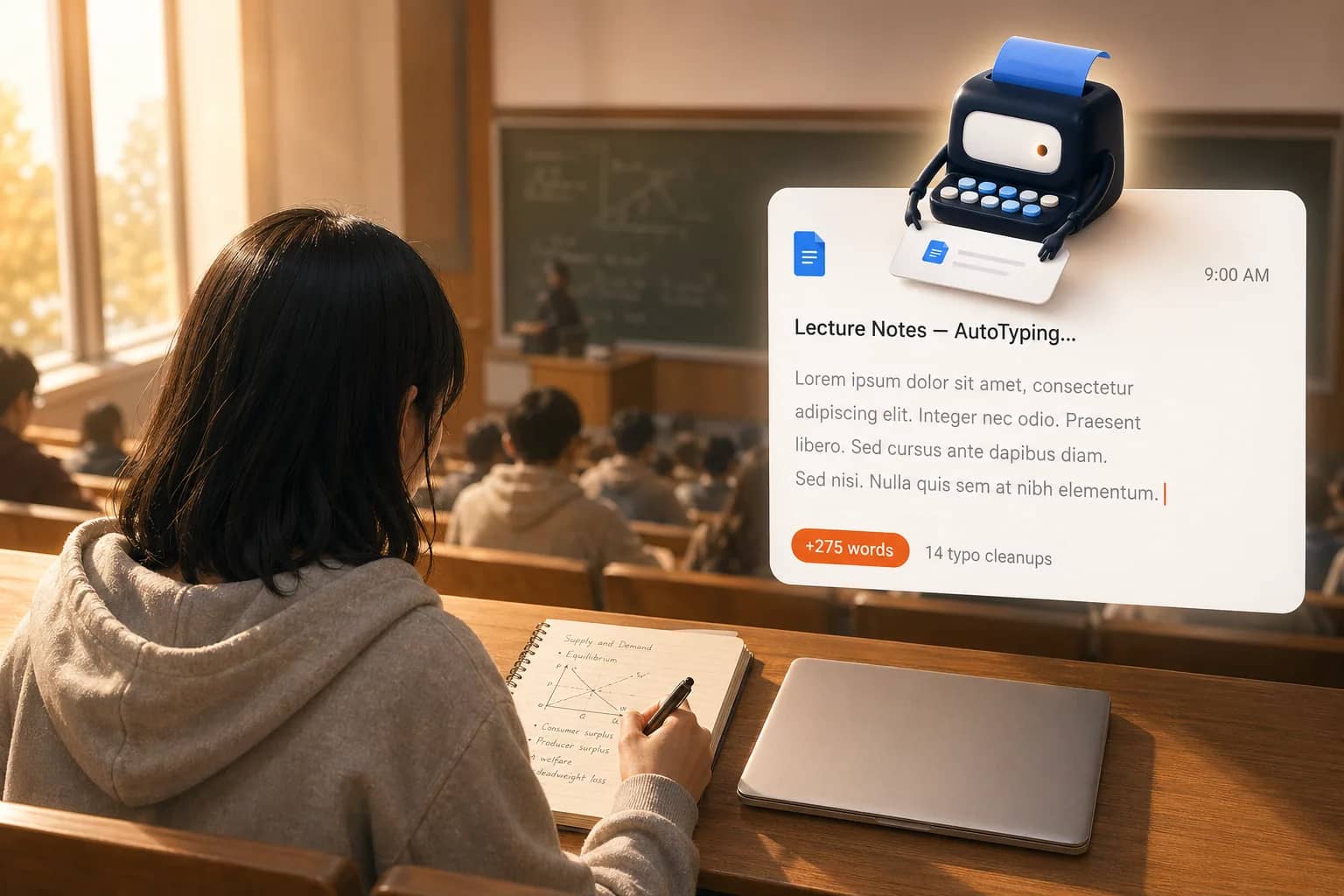
You're in class
Phone away, laptop closed, but your document is still making progress on schedule.
You step away
Coffee run, gym, or errands — the drip keeps going in the background.
You switch tabs
Email, YouTube, Reddit — it does not matter. The schedule keeps running server-side.
You fall asleep
Long drips can keep unfolding overnight so the document grows across a believable timeline.
Copy-paste vs. AutoTyper auto typer
Without AutoTyper
- One timestamp and a wall of text
- No believable revision trail
- You have to babysit the workflow
With AutoTyper
- Edits distributed across a realistic session window
- Typos, fixes, and end-of-session revision signals
- Background execution keeps the doc moving without you